TagEverything

Your physical world. Labelled.

An accessible information solution to help people with vision loss live more independently. Keep unlimited information about your personal and household items so you can identify and know any time.
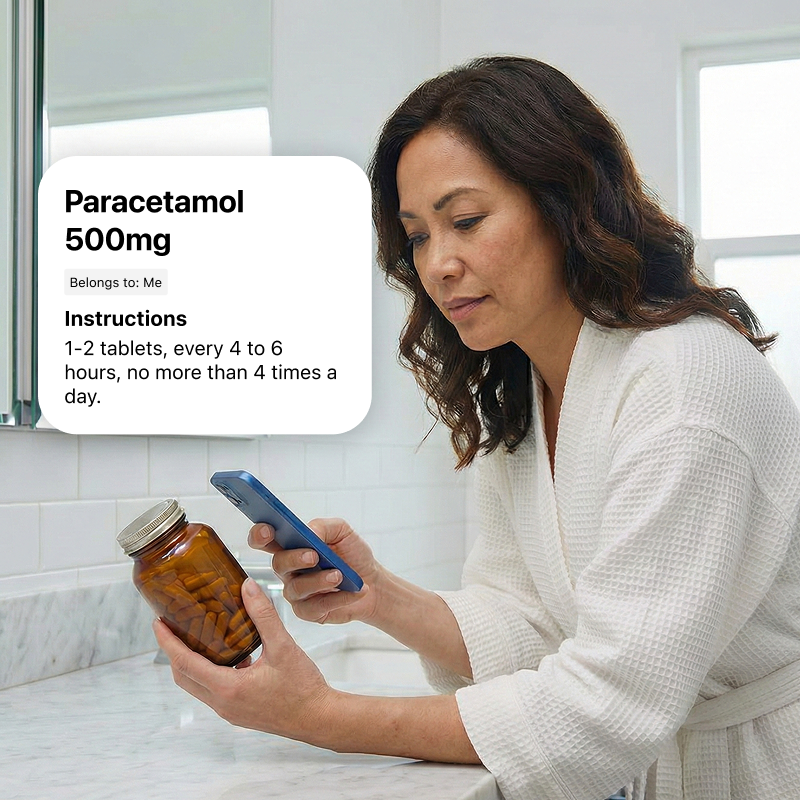
A woman in a white bathrobe scans a medicine bottle with her smartphone. The app overlay reads: Paracetamol 500mg. Belongs to: Me. Instructions: 1 to 2 tablets, every 4 to 6 hours, no more than 4 times a day.

How it works

1

Get the app

Download TagEverything from the App Store to get started. Currently the app is only available on iPhone.

Download on the App Store
2

Tag your items

Stick an EveryTag on your item and add details to a tag using your voice or keyboard. No camera needed, however you can take a photo of your item to add rich details quickly.

3

Tap and know

Just tap a tag with your phone to instantly know what the item is and the details you need to know.

Private by design. Works anywhere.

Unlike other systems that force you to upload your personal items to a cloud server, TagEverything is built to respect your privacy and function offline.

Secure Local Storage

Your data, including medical dosages and personal labels, is stored securely on your own device. It never leaves your phone.

Works Offline

No Wi-Fi? No problem. Read tags instantly in basements, concrete apartment blocks, or anywhere with a poor connection.

Share with Family

Sync tags with a support worker or share an item with a friend via AirDrop or iMessage. No cloud accounts required.

Smart organisation.
Everywhere.

Dress with confidence.

TagEverything remembers materials, colours, washing instructions and matching outfits.
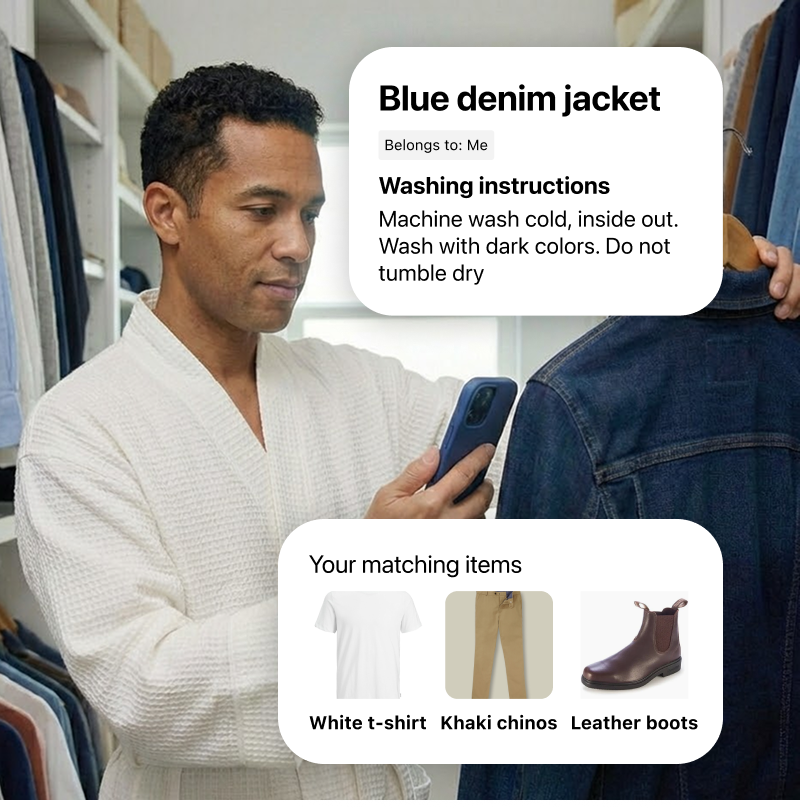
A man in his closet scans a denim jacket using his smartphone. The app overlay reads: Blue denim jacket. Belongs to: Me. Washing instructions: Machine wash cold, inside out. Wash with dark colors. Do not tumble dry. A second overlay shows your matching items: White t-shirt, Khaki chinos, and Leather boots.

Master your kitchen.

From expiry dates to allergy warnings, your pantry is now easy to search and use.
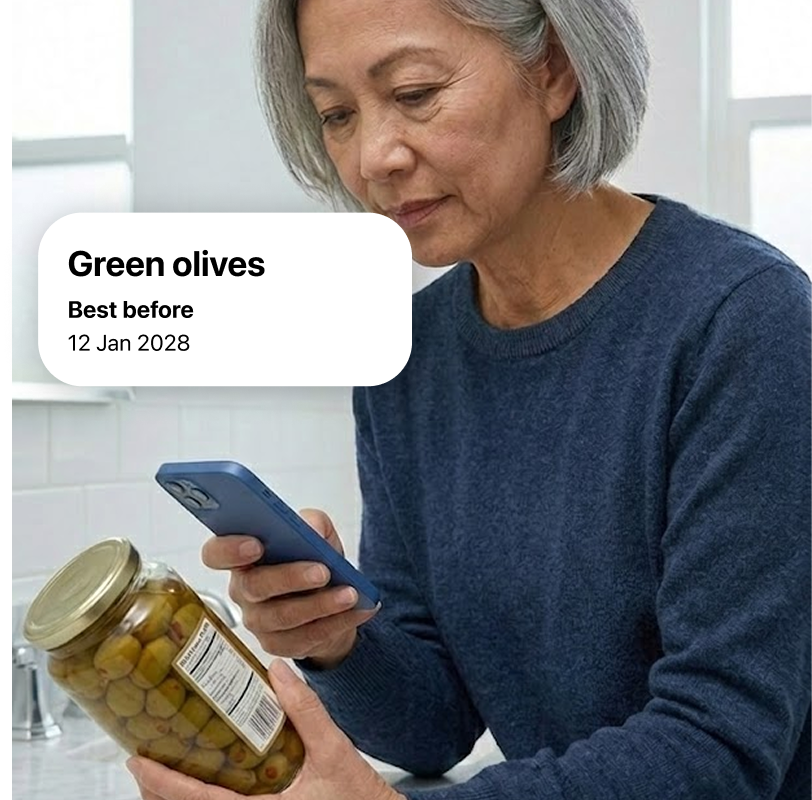
An older woman scans a glass jar of olives with her smartphone. The app overlay reads: Green olives. Best before: 12 Jan 2028.

Manage independently.

Quickly check household cleaning products and maintain your home independently.
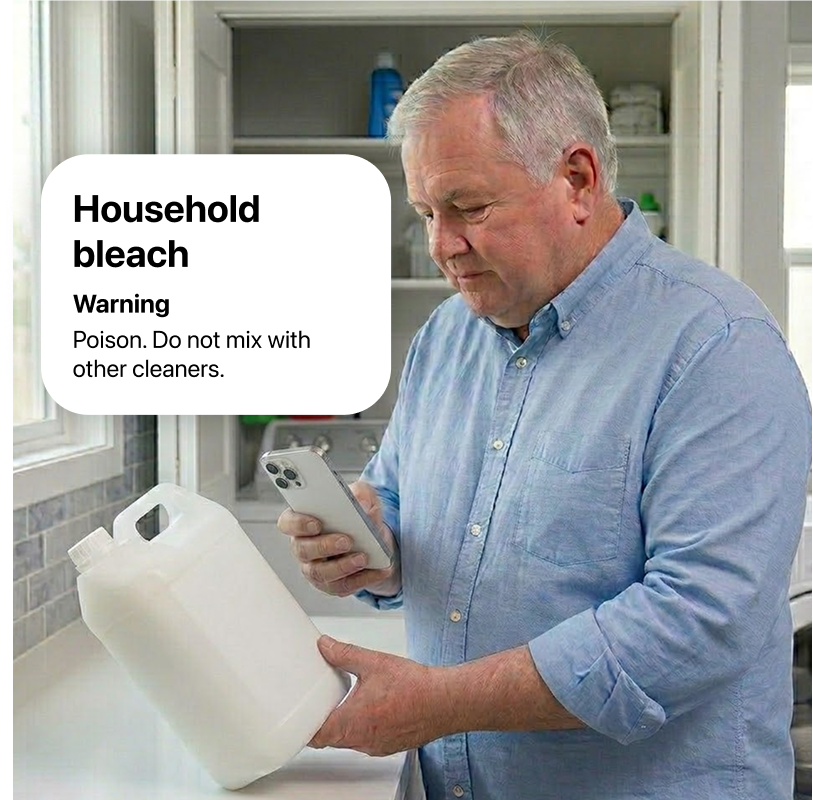
A man in a laundry room scans a large plastic bottle of bleach with his smartphone. The app overlay reads: Household bleach. Warning: Poison. Do not mix with other cleaners.

Easy travel packing.

Travel with confidence. Keep track of your stuff independently.
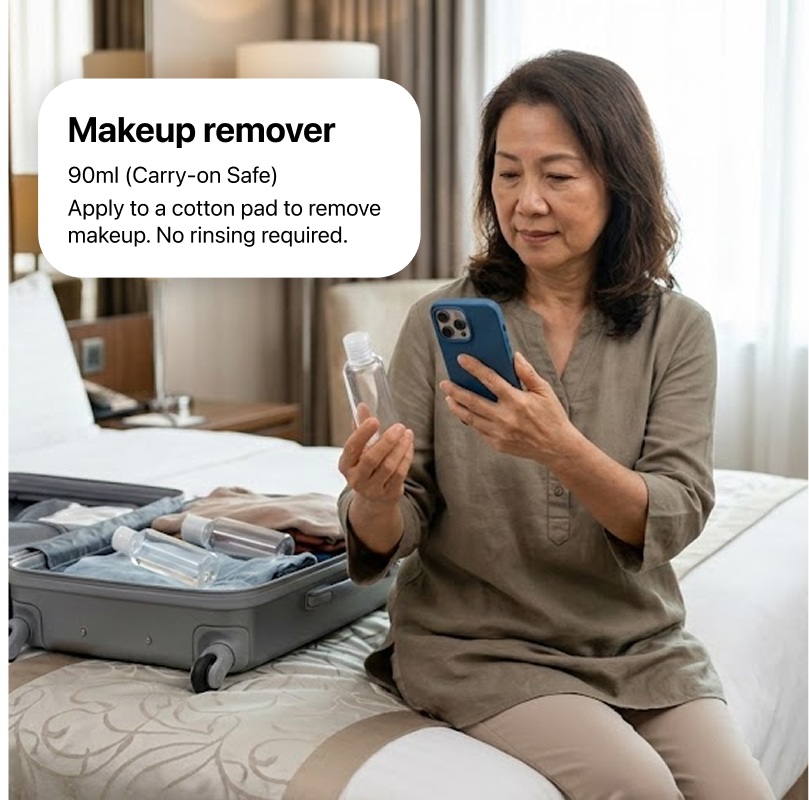
A woman packing a suitcase on a hotel bed scans a blank, clear travel bottle with her smartphone. The app overlay reads: Makeup remover. 90ml, Carry-on Safe. Apply to a cotton pad to remove makeup. No rinsing required.

Which tags to use on what items

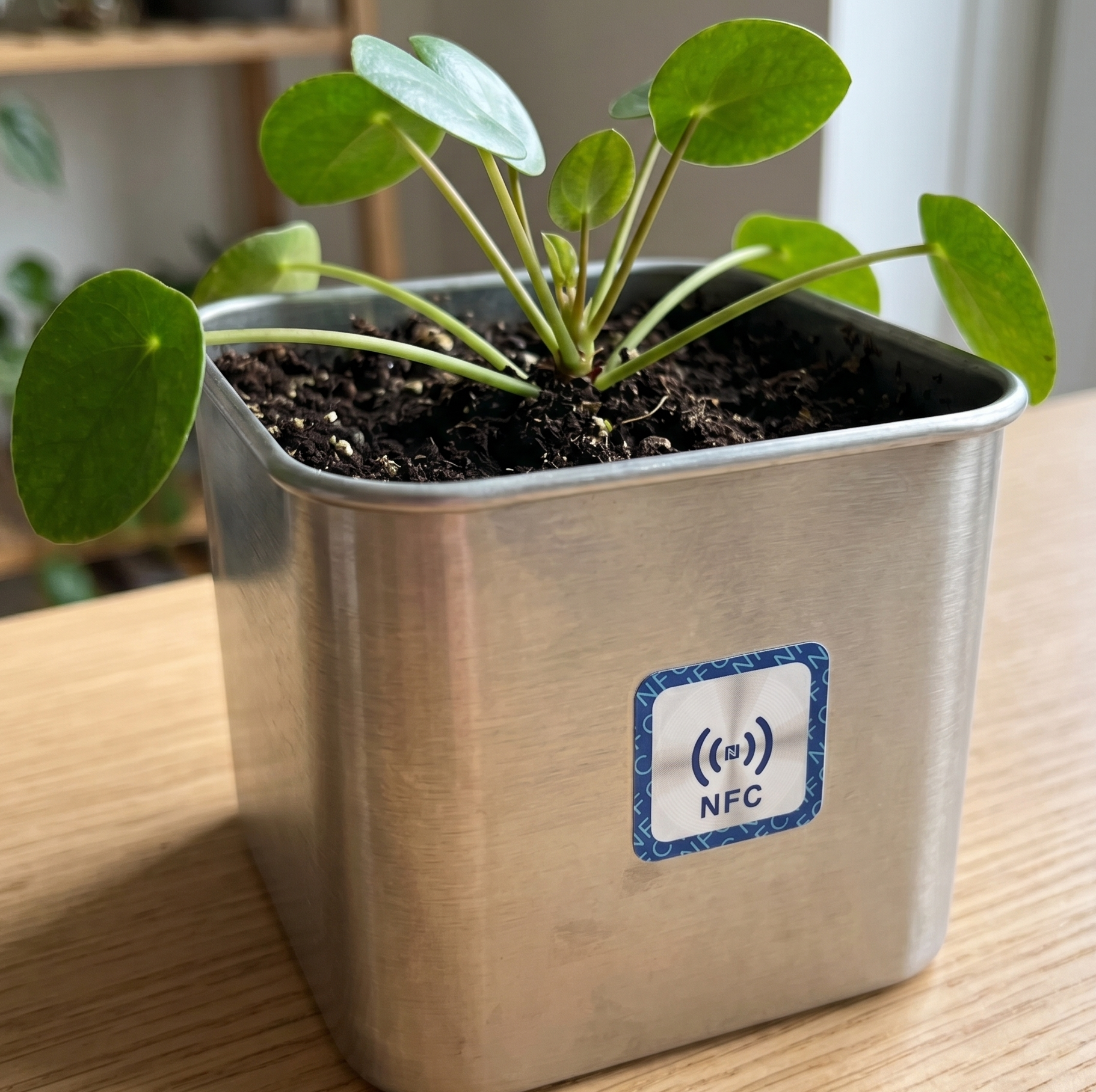
Square on-metal EveryTag on a metallic pot containing a plant

Square On-Metal

Use for metallic objects.
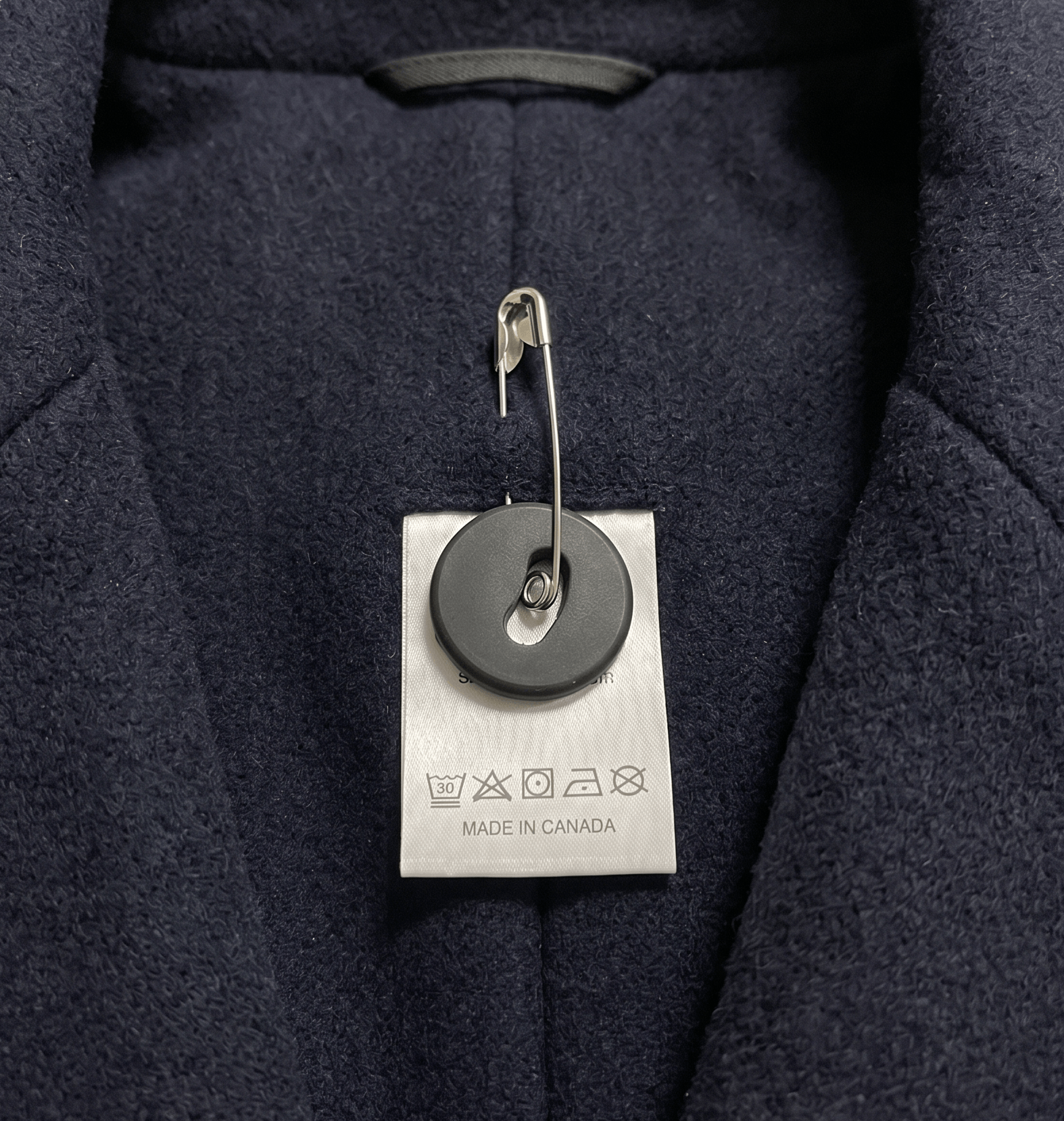
Sew-on button EveryTag on the inside of a jacket

Sew-on Button

One-hole buttons can be attached with a safety pin, two-hole buttons can be sewn on.
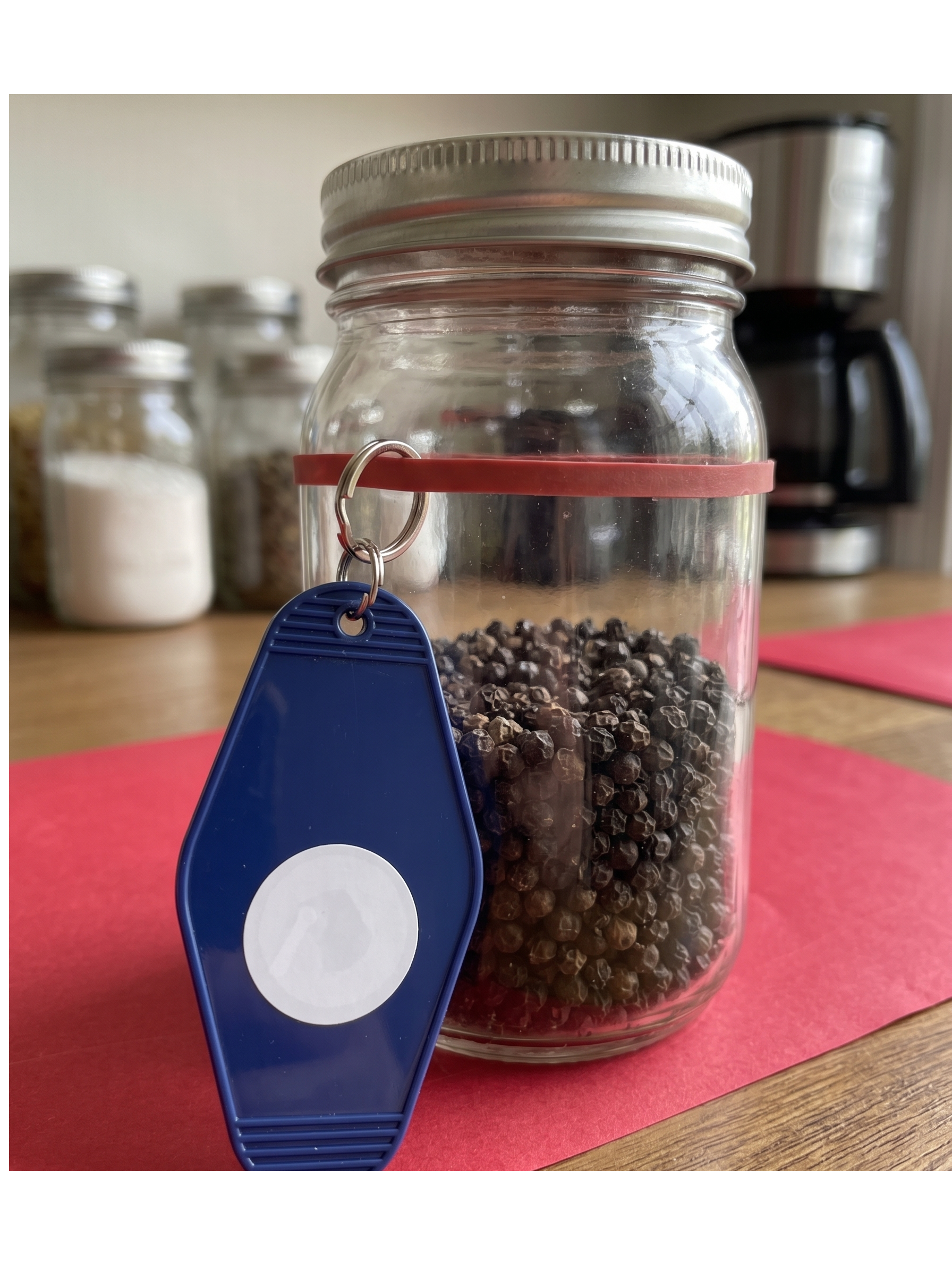
Tie-on EveryTag tied to a jar of peppercorns.

Tie-on Tag

Good for when reuse is needed such as for food containers.
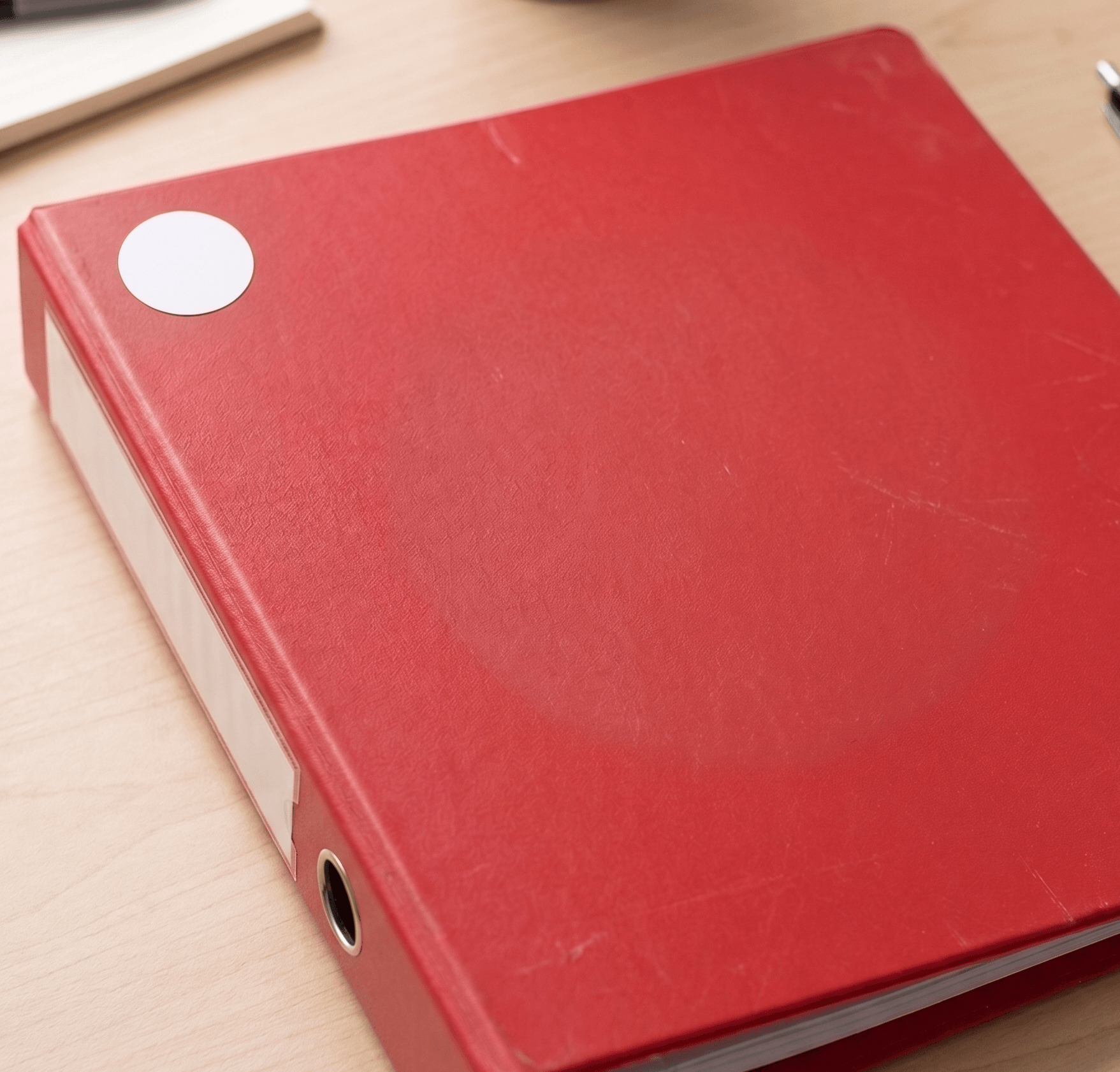
Round sticker EveryTag on a red binder folder

Round Sticker

For whatever else you can think of for example documents, plants, books.

These are just suggestions. The use of EveryTags is only limited by your imagination.